



























The Excel vs ERP debate sounds simple — until you walk into a company that paid $300,000 for an ERP system and still runs its operations through 47 spreadsheets. I have seen this more times than I can count. The ERP is live. The consultants have left. And somewhere between accounting, the warehouse, and the sales team, Excel quietly moved back in and never left.
This is not a technology problem. It is a people, process, and implementation problem — and it costs businesses far more than they realize.
A Story You Might Recognize

A mid-size wholesale distributor — about 80 employees, $40 million in revenue — spent eighteen months implementing a new ERP platform. The project consumed a significant chunk of their IT budget. Leadership celebrated go-live. Then, three months later, the warehouse manager was still tracking inbound shipments in a shared Google Sheet. The CFO was pulling financials from the ERP into Excel every Monday morning to “clean them up” before the leadership meeting. The purchasing team kept a separate workbook for open purchase orders because, as one buyer told me, “The ERP numbers are never right.”
Sound familiar? This is not an edge case. It is the norm.
“We bought ERP but still run the business in Excel.” — A phrase I have heard from controllers, operations managers, and CEOs in almost every industry I have worked in.
Why the Spreadsheet Habit Refuses to Die
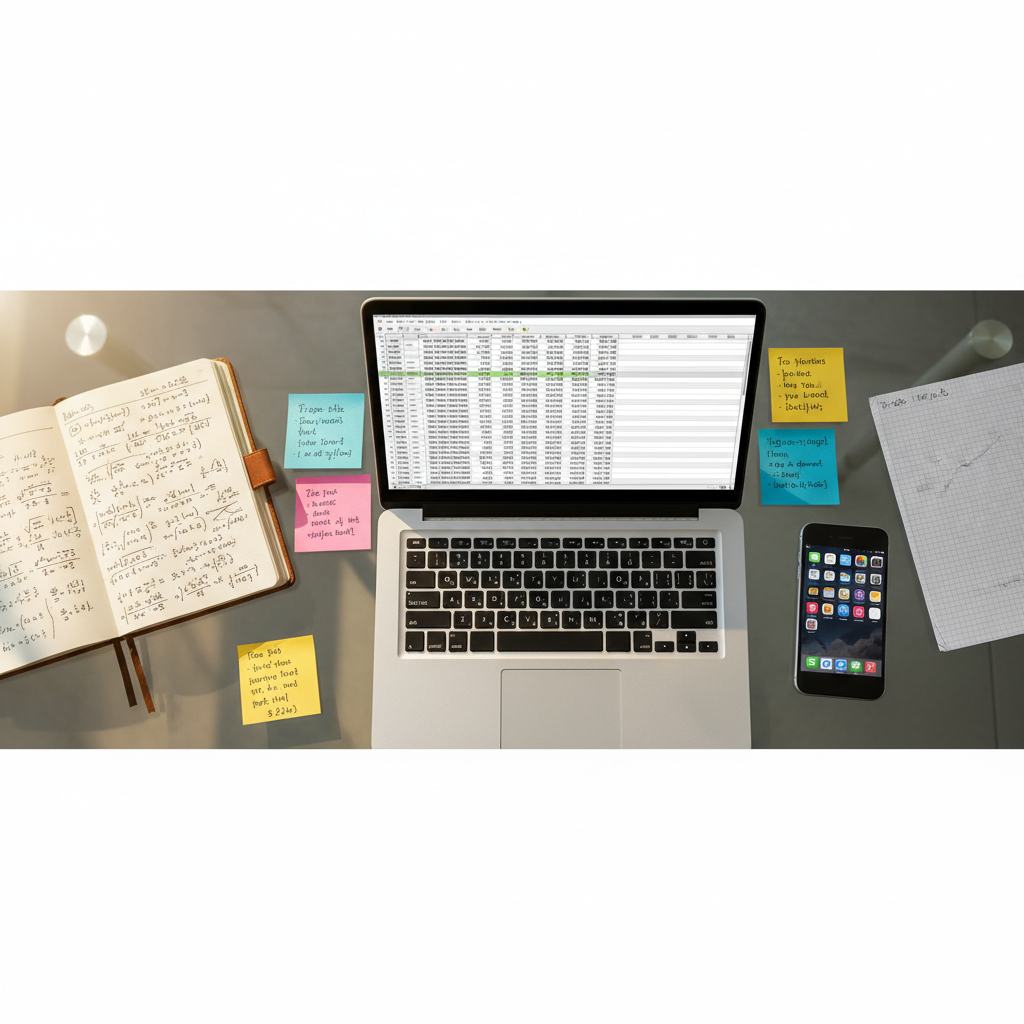
There is no single villain here. Spreadsheet dependency after an ERP rollout usually has several overlapping causes. Let me walk through the most common ones.
Shadow IT Fills Every Gap
When the ERP does not support a specific workflow, people do not wait for a fix. They build one themselves — usually in Excel. This is what IT professionals call shadow IT: informal, unmanaged systems that exist outside official channels. A sales coordinator builds a delivery tracker. A buyer creates a vendor scorecard. A warehouse lead maintains a receiving log. Each workbook solves a real problem. Together, they form a parallel operating system that nobody planned and nobody controls.
The Implementation Missed Real Workflows
Many ERP projects are driven by software capabilities rather than business processes. The implementation team configures what the system can do, not necessarily what the company actually does. As a result, critical workflows — the way your purchasing team actually approves a PO, or how your warehouse handles partial receipts — are never mapped into the system. Users hit a wall, grab Excel, and the habit is set.
Case in point: A food and beverage company I worked with had a custom lot-tracking requirement driven by food safety regulations. The out-of-the-box ERP configuration did not handle it. Nobody addressed this during the project. On day one post-go-live, the quality team went straight back to their old Excel log. Two years later, it was still the system of record for compliance.
ERP Reports Do Not Answer Daily Questions
Standard ERP reporting is built to satisfy accountants and auditors, not operations managers. If a purchasing manager cannot quickly see which open POs are past due, or if a controller cannot get a clean aging report without exporting to a spreadsheet first, they will always export to a spreadsheet first. Over time, that export becomes the report. The ERP becomes a data warehouse that nobody trusts for real decisions.
Users Simply Do Not Trust the Data
This is the silent killer of ERP adoption. If the inventory count in the system does not match what is physically in the warehouse — even once — users stop trusting it. They create their own version. And once that distrust spreads, it is very hard to reverse. As this breakdown of ERP versus spreadsheet limitations explains, ERP only delivers its value when users believe the data inside it is accurate and complete.
Executive Buy-In Fades After Go-Live
Leadership is highly engaged during the ERP project. Then go-live happens, the consultants leave, and attention shifts to the next priority. Without continued executive pressure to use the system correctly, departments quietly drift back to what is comfortable. Managers who never fully committed to the rollout start making exceptions. Those exceptions become the new normal.
Departments Still Work in Silos
ERP is designed to break down silos. But if the implementation does not redesign cross-departmental workflows, the silos remain — just with a new system sitting unused in the middle. Sales keeps its own customer data. Finance keeps its own revenue tracker. Operations keeps its own production log. Each department is doing its own version of the truth, and none of them match.
Legacy Habits Are Genuinely Hard to Break
Some of this is simply human nature. People who have used Excel for fifteen years are fast, confident, and comfortable with it. Asking them to learn a new system mid-workflow is a real ask. Without proper change management — training, process redesign, and consistent reinforcement — the path of least resistance always wins. And the path of least resistance is usually a spreadsheet.
The Hidden Cost Nobody Talks About

Most leaders focus on the ERP investment itself. Few calculate what spreadsheet dependency costs them every single month. Here is what I see in the field.
Duplicated work: When your team exports ERP data into Excel, cleans it, formats it, and then shares it — that is work happening twice. In a company with five people doing this daily, you are losing hundreds of productive hours per month.
Inconsistent numbers: When finance has one version of revenue and sales has another, leadership cannot make good decisions. I have sat in board meetings where two departments presented conflicting figures for the same metric. That erodes confidence and slows everything down.
Forecasting errors: Demand planning built on incomplete or stale spreadsheet data leads to over-ordering, stockouts, and cash flow problems. One manufacturing client I worked with carried 30% more inventory than needed because their reorder points were based on a workbook that had not been updated in six months.
Audit risk: Spreadsheets have no audit trail. When an auditor asks who changed a number and when, a workbook cannot answer that. ERP systems log every transaction. Spreadsheets do not. That gap creates real compliance exposure.
Inventory inaccuracies: If your stock counts live in Excel rather than your ERP, your purchasing team is buying blind. Overstock and stockout situations both flow directly from this problem. Six clear signs that spreadsheet-based inventory management is breaking down are well documented — and most companies hit at least three of them before they act.
Purchasing mistakes: Duplicate purchase orders, missed vendor discounts, and late payments often trace back to a procurement team operating from a spreadsheet rather than a live procure-to-pay workflow inside the ERP.
Lost productivity: Every hour spent reconciling spreadsheets is an hour not spent on strategy, customer relationships, or growth. The opportunity cost is real, even if it never shows up on a P&L.
What Successful ERP Implementations Do Differently

The companies that genuinely reduce their spreadsheet reliance after go-live share one thing in common: they built the ERP around how they actually work, not the other way around.
This is the core philosophy behind how Celeritech approaches ERP projects. Rather than handing a client a configured system and walking away, the process starts with a deep understanding of the company’s real workflows — the way a purchase order actually moves through approval, the way a production order gets released and tracked, the way a customer invoice gets disputed and resolved. Only then does the system configuration begin.
For SAP Business One implementations specifically, this means custom reports built before go-live — not after. It means user acceptance testing done by the people who will actually use the system daily, not by the IT team. It means identifying every active spreadsheet in the business and asking: “Can this workflow live inside the ERP instead?” Often, the answer is yes. Sometimes it requires a configuration change or a custom field. Occasionally it requires a small add-on. But the goal is always the same: the software works for the people, not the people for the software.
Result: When users find that every question they used to answer in Excel can now be answered faster inside the ERP, they stop opening the spreadsheet. Not because they were told to — because the system actually works for them.
This is also why post-go-live support matters enormously. The first 90 days after launch are when habits form. If users hit friction and nobody helps them solve it inside the ERP, they will solve it in Excel instead. Staying close to the client during that window — answering questions, adjusting reports, refining workflows — is what separates a successful digital transformation from an expensive software shelf.
Smarter data management approaches for growing companies consistently show that adoption rises sharply when users feel the system was designed with their daily work in mind — not imposed on them from above.
Excel vs ERP: The Practical Checklist
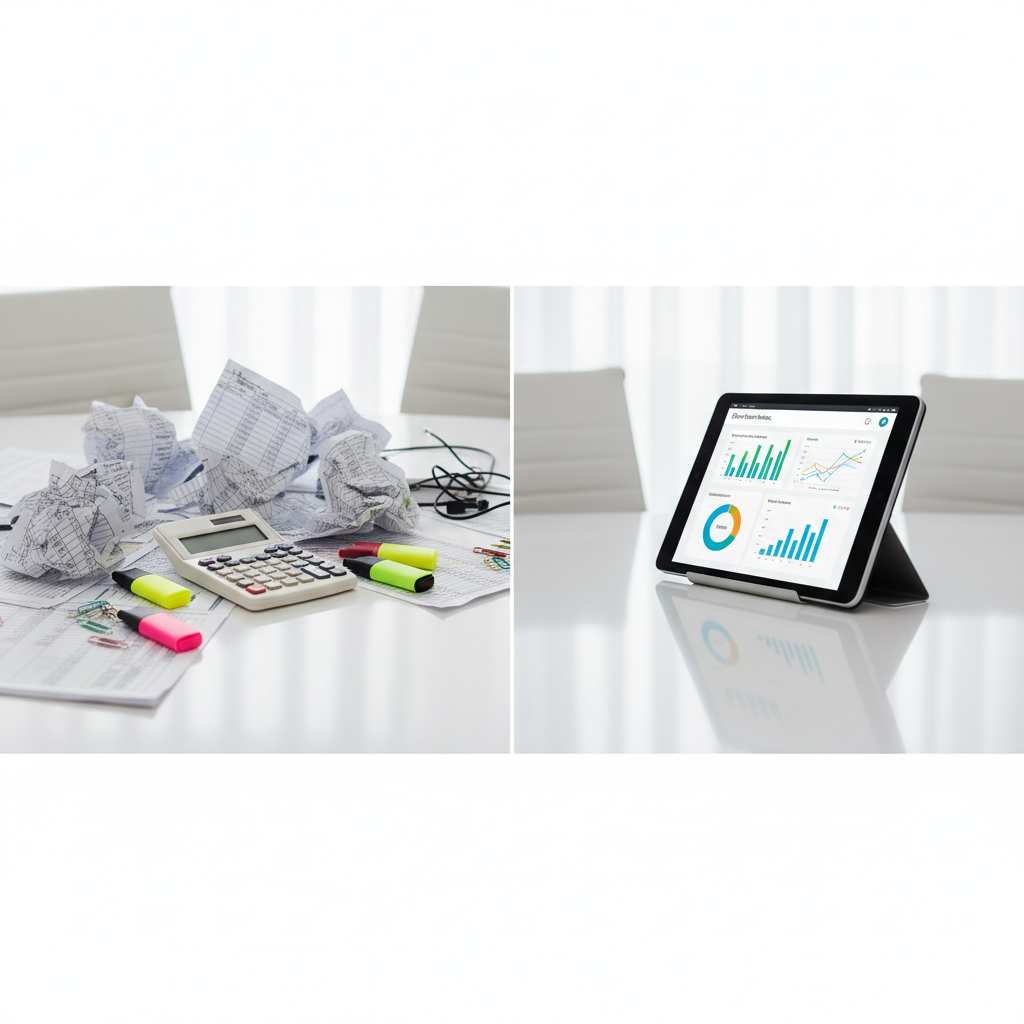
If your company is still running on a hybrid of ERP plus spreadsheets, here are ten concrete steps to close the gap. These are not theoretical — they are drawn from real implementations across manufacturing, distribution, food and beverage, and professional services companies.
- Audit every active spreadsheet. List them all — who owns them, what they track, and how often they are updated. This map tells you exactly where your ERP is failing.
- Trace each spreadsheet back to a root cause. Is it a missing report? A workflow gap? A data trust issue? Each cause requires a different fix.
- Build the reports users actually need — before you ask them to stop using Excel. Nobody abandons a working tool until a better one is ready. Custom ERP reporting is not optional; it is the foundation of adoption.
- Fix the data quality issues users already know about. If inventory counts are wrong, fix them. If customer records are duplicated, clean them. Trust is rebuilt one accurate record at a time.
- Map your real workflows into the system. Every process that currently lives in a workbook should be evaluated for ERP migration. Partial receipts, lot tracking, approval chains — configure them properly or users will work around them.
- Get visible executive commitment — and keep it visible. When the CEO or CFO stops exporting to Excel for their own reports, the rest of the organization notices. Leadership behavior sets the standard.
- Train on process, not just clicks. Most ERP training teaches users how to navigate screens. It rarely teaches them how the end-to-end workflow connects. Process-based training drives real adoption.
- Eliminate the shadow IT one workbook at a time. Do not try to remove all spreadsheets at once. Pick the highest-risk or most duplicated ones first, migrate them properly, and build momentum from there.
- Assign an internal ERP champion in each department. This person is not IT. They are a respected peer who uses the system well and helps colleagues solve problems inside it rather than around it.
- Schedule a 90-day post-go-live review. Bring your implementation partner back in, walk through every active spreadsheet, and close the gaps. This single step prevents years of workaround culture from taking root.
Pro tip: The goal is not to eliminate Excel entirely. A well-run business will always use spreadsheets for some analysis and planning. The goal is to stop using them as a second operating system running parallel to your ERP — because that is where the real cost lives.
The Excel vs ERP tension is not a technology problem. It is a process design problem, a trust problem, and a change management problem. Solving it requires honest diagnosis, a willingness to customize the system around your team’s real work, and sustained commitment after go-live. Companies that do this well stop fighting the spreadsheet and start running on a genuine single source of truth — and the difference shows up in faster decisions, cleaner audits, and a business that finally operates the way leadership always intended.
Ready to Stop Running Two Systems at Once?
If your team is still living in spreadsheets after an ERP go-live, something was missed — and it is fixable. Celeritech specializes in SAP Business One implementations that are built around how your company actually operates. We identify the gaps, customize the workflows, build the reports your team needs, and stay close through the critical post-launch period so adoption sticks.
Talk to one of our consultants about where your ERP stands today — and what it would take to finally close the spreadsheet gap for good.