


























'/%3E%3Cpath%20fill='%23b2b2b2'%20d='M241%20382q0%2016%2017%2026%2017%2011%2042%2011t42-11q16-11%2017-26V269H241'/%3E%3Cpath%20fill='%239f7e00'%20d='M241%20379q0%2014%208%2023%209%209%2021%209%2014%200%2021-9%209-9%209-23V269h-59'/%3E%3Cpath%20d='M241%20339v-70h59v110q0%2014-9%2023l-6%205v-68h-15v72q-8%200-14-4v-68zm59%2040c0%2022%2015%2032%2029%2032%2021%200%2030-18%2030-32v-40h-59'/%3E%3Cpath%20fill='%239f7e00'%20d='M266%20277v5h2v12h-3v-5h2v-5h-9v5h2v5h-4v9h3v18h-5v10h34v-10h-5v-18h3v-9h-4v-5h2v-5h-9v5h2v5h-3v-12h2v-5zm42%20101q0%2010%206%2017%206%206%2015%207%2010-1%2016-7%206-7%206-17v-29h-43'/%3E%3Ccircle%20fill='%230044ad'%20cx='329.5'%20cy='372'%20r='6'/%3E%3Cellipse%20fill='%230044ad'%20cx='300'%20cy='340'%20rx='16'%20ry='21'/%3E%3C/svg%3E)
There’s a scene that repeats in almost every food plant we visit for the first time.
The shift ends. The operator or supervisor sits in front of a computer — or worse, in front of a piece of paper — and tries to reconstruct from memory what happened in the last eight hours. How many kilos of each ingredient were used. How many units were produced. Which lots came in. What went out to the finished goods warehouse.
The problem isn’t the person. The problem is the model. Asking someone to register every ingredient movement in real time while operating a production line is asking them to do two jobs simultaneously. Something will be recorded incorrectly. And that error, multiplied by shift, by day, by week, becomes inventory that doesn’t reflect reality, costing that was born with noise, and traceability that has gaps exactly where it shouldn’t have them.
There exists a production logic that solves this problem at its root. It’s called backflush manufacturing.
CeleriTech is a SAP Gold Partner in Miami, Florida. This article explains backflush and how to implement it correctly in a food manufacturing company with SAP Business One to eliminate manual production capture without losing traceability or costing.
What is Backflush and Why Food Plants Need It
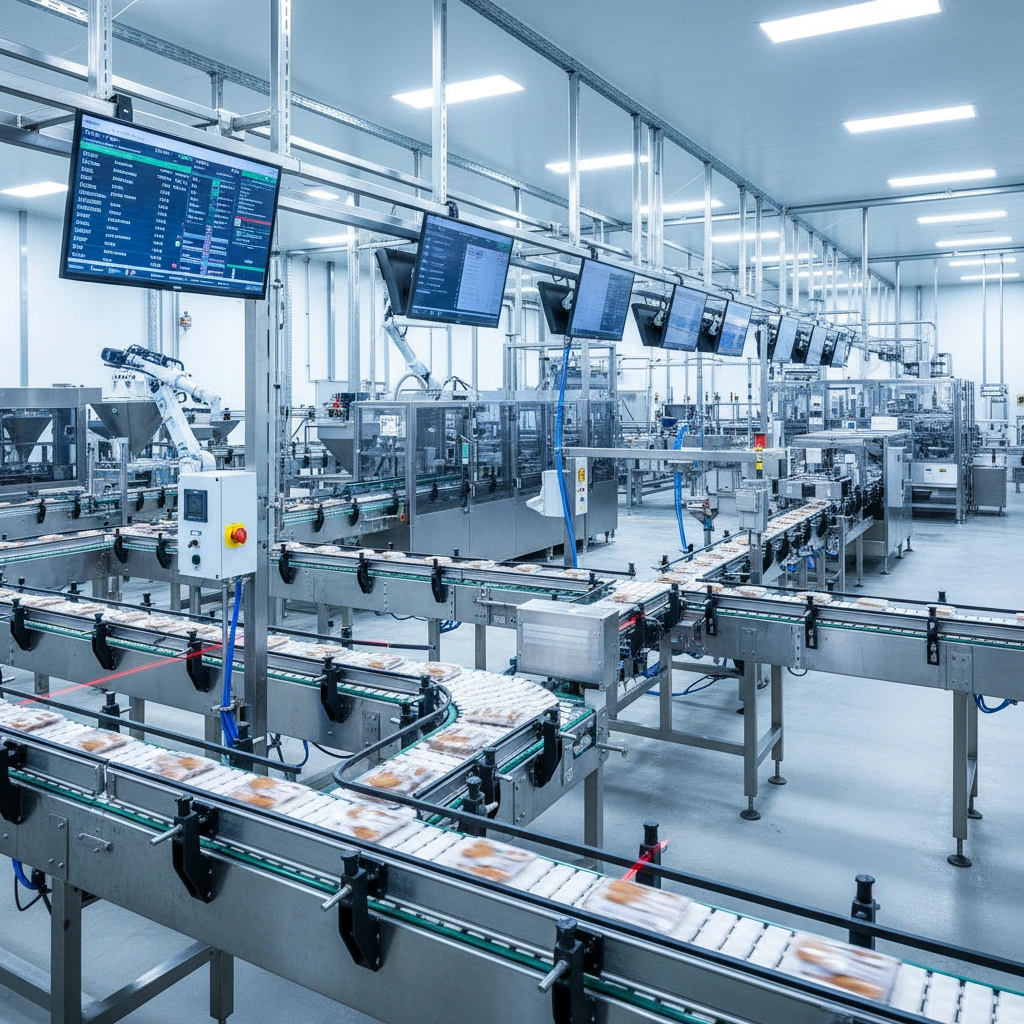
Backflush is automatic material consumption deduction in manufacturing based on produced quantity and BOM—ideal for food plants to eliminate manual logging while preserving traceability and costing. It inverts traditional logic.
In the traditional model, the operator registers each ingredient they consume before or during production — manually discharging from inventory each BOM component as they use it. It’s precise in theory. In practice, in a food plant with lines running and multiple ingredients per recipe, it’s a constant source of errors and omissions.
Backflush works in reverse: the operator confirms what they produced, and SAP Business One automatically deduces what was consumed. If the BOM says a box of sauce requires 450g of processed tomato, 12g of salt, and 8g of spices, and the operator confirms they produced 200 boxes, the system automatically discharges the corresponding quantities from inventory. Without the operator touching a single inventory screen.
“SAP Business One backflush: Operator confirms 200 boxes; system deducts 90kg tomato, builds lot chain instantly.”
Backflush vs Manual Logging: Real Plant Pain Points
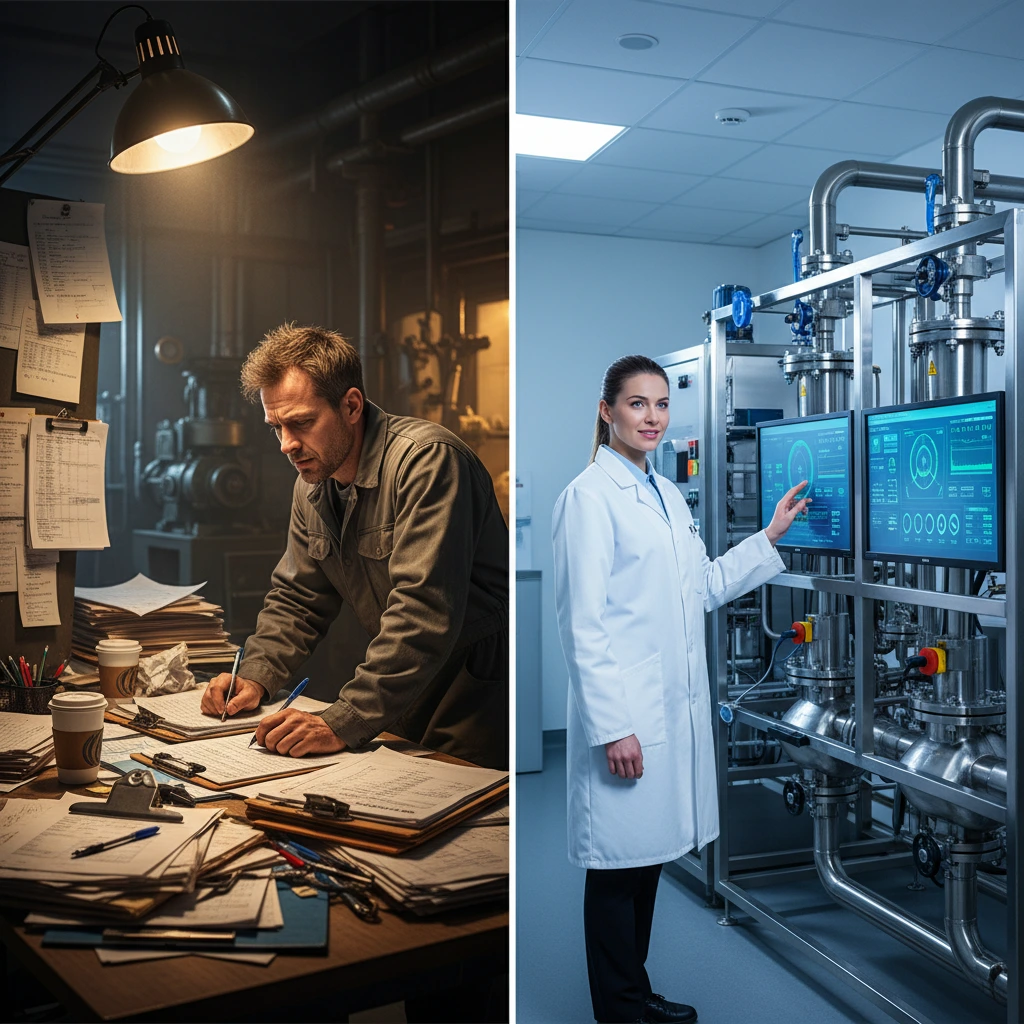
Food plant operators know this pain all too well: running a production line while trying to track ingredient consumption creates what we call “operator overload.” On Reddit manufacturing forums, users complain: “End-of-shift paperwork kills us—operators forget ingredient amounts while running lines, leading to inventory mismatches.”
The double job dilemma: Traditional manual BOM entry during production forces operators to juggle line monitoring with real-time data entry. Something always gets missed in this end-of-shift reconciliation process.
Case in point: A sauce manufacturer in Miami was losing 3-4 hours weekly on end-of-shift reconciliation, with frequent discrepancies in tomato paste usage that threw off both inventory and costing. After implementing backflush with SAP Business One, those reconciliation sessions disappeared entirely.
When Backflush Works Best (and When to Add Manual Checks)
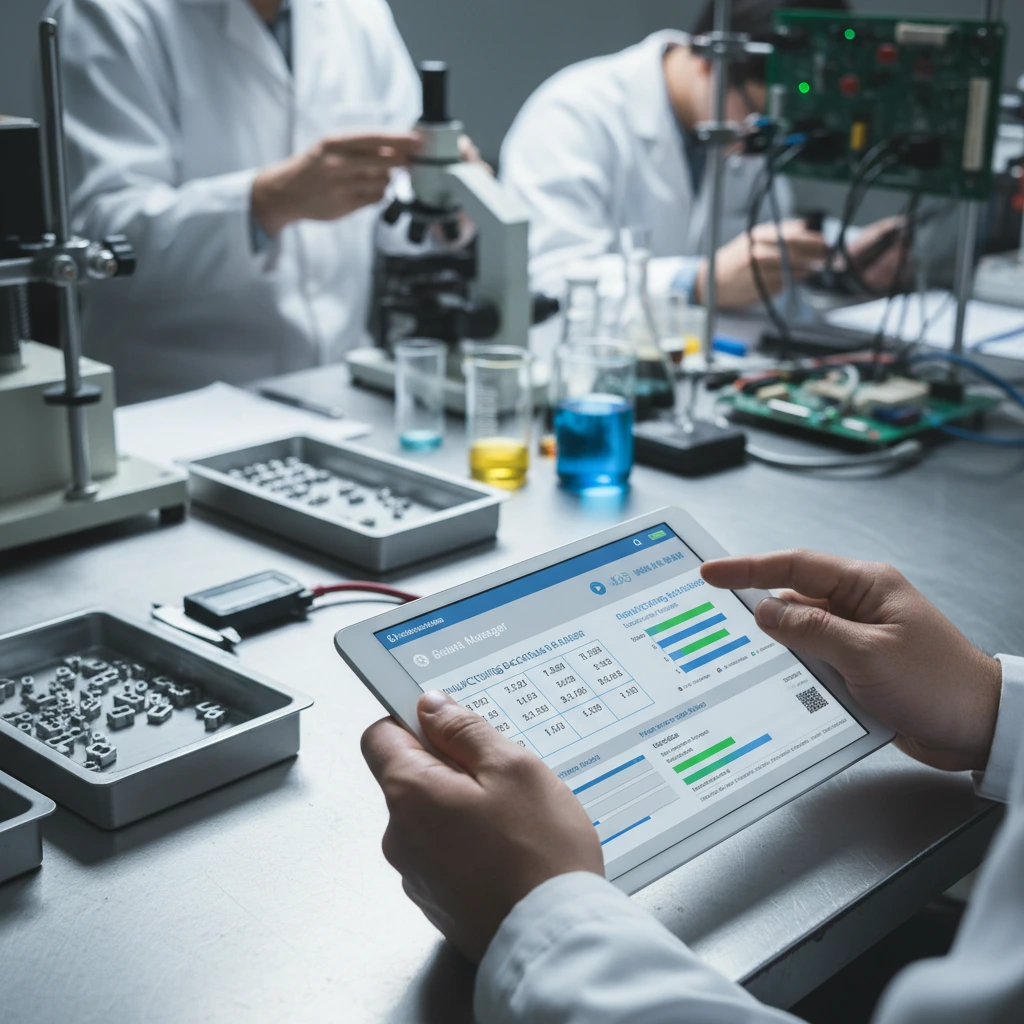
Honesty matters here, because backflush isn’t the right solution for every scenario. Understanding when backflush in food production works best prevents costly implementation mistakes.
Ideal Backflush Scenarios
Backflush works exceptionally when:
- Production processes are stable with consistent recipes
- Merma (waste variance) is predictable and within acceptable ranges
- Ingredients have moderate unit costs where small variances don’t impact profitability
- Production runs follow standard BOMs without frequent exceptions
In these cases, the operational efficiency generated far exceeds any small variance in recorded consumption.
When to Use Hybrid Approaches
Requires more careful handling when:
- High-value ingredients where every gram matters to profitability
- High merma variability that could skew automatic deduction accuracy
- Processes with frequent exceptions or recipe modifications
In these cases, backflush can complement selective manual records for critical components, maintaining simplicity for the rest.
Pro tip: Most food manufacturing companies we know have processes where backflush applies perfectly to 80% of their ingredients. That 80% is sufficient to transform plant operation.
Step-by-Step Backflush Flow: Raw Materials to Labels
For backflush to work correctly, it needs to be supported by an ordered flow. It’s not just a button that’s activated at the end — it’s the result of a well-designed three-step process that builds production backflush traceability from the ground up.
Step 1: Raw Material Reception with Lot Assignment
When an ingredient arrives at the plant, its entry into inventory gets registered with lot number, expiration date, and supplier information. That lot becomes linked to inventory from the first moment. Without this step, the traceability that follows has no foundation for FDA compliance.
Step 2: Production Confirmation with Automatic Lot Linking
When the operator confirms they produced a finished goods lot, the system automatically links that lot with the ingredient lots consumed — the traceability chain builds itself. This automatic BOM consumption creates a complete lot-to-lot genealogy without manual intervention.
Step 3: Finished Product Labeling and Printing
Once production is confirmed and the lot assigned, the system automatically generates the product label — with barcode, lot, expiration date, and any required regulatory information. Ready to print from the same interface.
The backflush magic happens here: Upon confirming production, SAP Business One automatically executes ingredient discharge according to the BOM. The operator does nothing additional. Inventory gets updated. Costing gets recorded. Traceability gets constructed.
EZ Web Pro: Simple Plant-Floor Interface for SAP
This entire flow — reception, production, lots, labels, backflush — can live in a simple web interface designed to be used from a tablet or plant screen, without needing to navigate through a complete ERP system.
At CeleriTech, we developed EZ Web Pro exactly for this purpose. It’s an interface designed for the food plant operator, not for the systems consultant. Clean screens, guided flows, only the information needed at each moment. The operator receives raw materials, confirms production, assigns lots, and prints labels — all from the same screen. SAP Business One processes everything happening behind the scenes: inventory, costing, traceability.
Result: Control complexity doesn’t have to translate into operator complexity. When the system is well designed, the operator works easier and the company has better information. It’s not a trade-off — it’s the objective.
Results: Accurate Inventory, Costs, Traceability
When the reception, production, lots, and backflush flow is operating correctly in a food manufacturing company, several things improve simultaneously:
- Raw material inventory reflects reality — no more mystery shrinkage from logging errors
- Product costing has real data — costs based on actual BOM consumption, not estimates
- Traceability is complete — full lot genealogy for FDA compliance without gaps
- Labels are consistent — automatic generation eliminates manual label errors
All this without asking the operator to learn an ERP. Without complex forms. Without memory reconstructions at shift end.
Paperless production doesn’t mean production without control. It means control is where it should be — in the system, not in people’s memory.
Frequently Asked Questions
What is backflush in food manufacturing and how does it work with SAP Business One?
Backflush is a method where SAP Business One automatically deduces consumed ingredients based on the confirmed finished product quantity and the recipe BOM. The plant operator only confirms how much they produced — the system handles inventory discharge, cost recording, and lot traceability construction automatically. It’s especially useful for food manufacturing companies in Miami and Latin America with stable processes and consistent recipes.
Does backflush affect lot traceability required by the FDA for U.S. food companies?
No, quite the opposite. Well-implemented backflush in SAP Business One improves traceability because it automatically links each finished product lot with the ingredient lots that compose it, at the moment production occurs. This meets FDA traceability requirements more reliably than manual recording.
What is EZ Web Pro and what does it serve in a food production plant?
EZ Web Pro is a CeleriTech solution built on SAP Business One that provides simplified web interfaces for food plant operators. It allows receiving raw materials with lot assignment, confirming production, generating automatic backflush, and printing labels — all from a tablet on the plant floor, without navigating the complete ERP. Available for food companies in Miami, Florida and throughout Latin America.
Want to See EZ Web Pro in Action?
Want to see how EZ Web Pro works in a food manufacturing company similar to yours? At CeleriTech, we can show you the complete backflush flow in a practical demonstration.
Ready to eliminate end-of-shift reconciliation while improving traceability and costing?
Contact us: 📧 info@celeritech.biz | celeritech.biz